Protocols and medications.
Search adult and pediatric transport pathways and review preparation, contraindication, and monitoring information.

CCT Critical Care · Transport reference
Protocols, medication references, clinical tools, device guidance, flight prep, and facility details in one transport-focused workspace.
The environment matters
These are the conditions CCT Critical Care is designed around: limited space, changing light, moving equipment, and a handoff that cannot wait for a perfect desk.

A transport workspace begins with the equipment, access, and handoff around the patient.

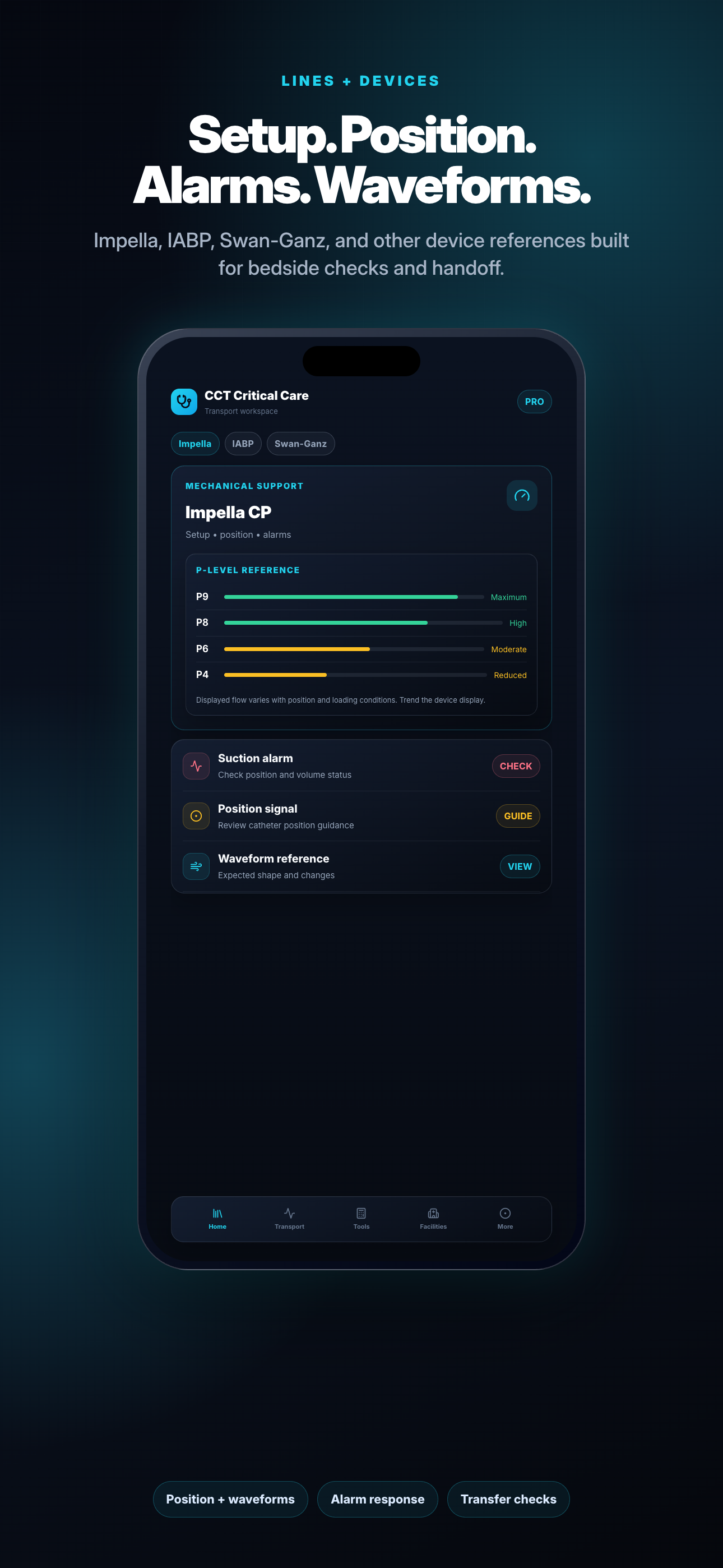
Device guidance belongs beside the lines, alarms, and checks it is meant to support.

Ground and air transport change the work. Flight references keep those constraints visible.

Ventilator review is assistive. The original source and professional verification stay in the loop.
What the app helps you do
Search adult and pediatric transport pathways and review preparation, contraindication, and monitoring information.
Use visible inputs, units, formulas, caps, and rounding, then review setup, waveform, alarm, and troubleshooting notes.
Review flight physiology and safety references, find nearby hospitals, and open operational details saved on your device.
The company behind the app
Our work also includes physical product design and prototyping, selected-part production, and professional teaching materials. Those capabilities share the same practical focus: clear function, explicit limits, and material that can be taught.
Our company approachBeyond CCT Critical Care
Acuity works across four connected areas, with scope and intended use defined for each project.
Applications and workflow tools that put the next useful piece of information where a crew can reach it.
Concepts, models, prototypes, and fit checks built around real equipment, real hands, and real constraints.
Selected parts and accessories made with materials, tolerances, intended use, and maintenance in the conversation.
Guides, visual aids, quick references, and scenarios that help teams explain the why behind the next action.
Optional assistive review
After identifiers are removed, the optional ventilator scanner can organize visible settings for confirmation. You review every detected value before using or saving a result.
You choose whether to send a selected ventilator image for optional AI-assisted extraction.
Visible settings are organized for confirmation without claiming to control or monitor the ventilator.
The app requires professional review and does not replace the chart, source image, or clinical judgment.
Professional reference and workflow support
The app organizes reference information and supported workflows; it does not issue medical orders.
Current labeling, institutional protocol, scope of practice, medical direction, and independent calculation still control.
Patient facts, values, units, concentrations, calculations, device settings, and recommendations must be checked before use.
Start a conversation
Discuss a product, part, software concept, teaching resource, or CCT Critical Care question with the people building it.
Contact Acuity